
A well-built resource center turns scattered content into a dependable destination users return to. It acts like a trusted bookshelf where anyone can find the exact guide, template, or video they need without hunting. Readers who care about clarity and results will appreciate a pragmatic roadmap that covers strategy through upkeep, and this guide delivers that road map with actionable steps, real examples, and enough humor to keep the team meetings lively. The article focuses on building a resource center that serves its audience, drives discovery, and stays maintainable over time.
Why Create A Resource Center? Purpose And Audience
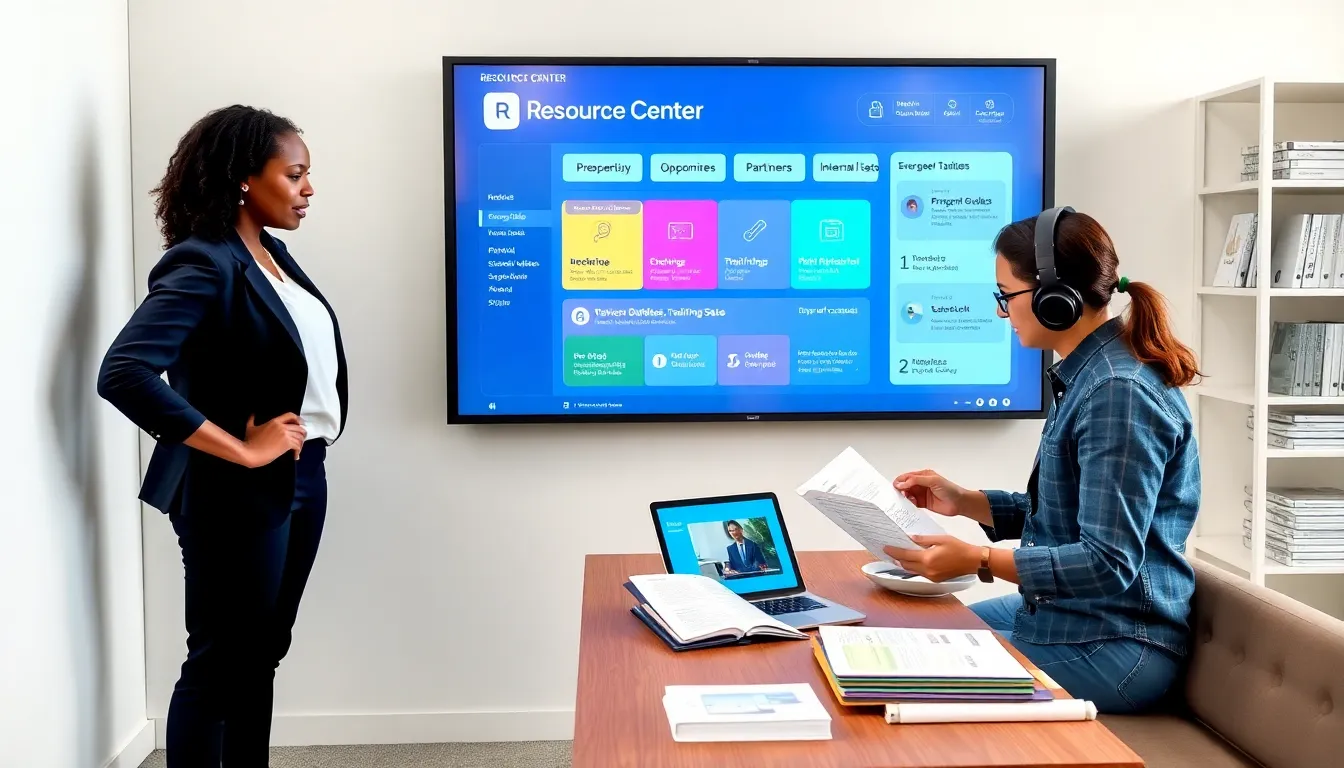
A resource center exists to centralize knowledge and make it discoverable. It gives teams a single place to host evergreen content, training assets, and proofs that drive trust. Stakeholders build one to reduce support load, accelerate onboarding, and showcase expertise. Users benefit when content is organized around clear goals and real needs rather than around production dates or internal silos. Leadership will see reduced duplication of effort and faster time to value when the resource center becomes the canonical source for answers. They should start by defining primary audiences such as prospects, customers, partners, and internal teams. Each audience has distinct intent, search patterns, and success signals, so clarity here keeps the center useful and focused.
Types Of Resources To Include
A practical resource center mixes formats and depth so different people can use it the way they prefer. It should include how to guides, case studies, product documentation, FAQs, video walkthroughs, templates, research reports, and interactive tools. Content variety increases stickiness and supports multiple stages of the customer journey. The following subsections explain format choices and sensible categorization.
Content Formats And When To Use Them
Short cheat sheets work well for quick wins and common workflows. Long form guides serve users who want step by step instruction or deep context. Videos provide rapid understanding for visual learners and reduce friction for complex procedures. Templates and downloadable assets save time and demonstrate best practice. Interactive tools and calculators engage users and provide personalized value. They should map format to user intent so the content meets expectations at first click.
Subject And Media-Based Resource Categories
Topical categories group content by subject such as product setup, integrations, industry use cases, and compliance. Media categories separate videos, audio, and documents for users with format preferences. They should create parallel taxonomies so someone can filter by topic and by format. This two axis approach reduces cognitive load and speeds discovery.
Content Strategy And Editorial Planning
A sustainable resource center depends on a clear content strategy. It aligns goals with measurable outcomes and sets the scope of what to create and what to retire. The subsections cover defining goals, prioritizing work, and governance practices that keep quality high.
Defining Goals, Audience Needs, And Use Cases
Goals might include reducing support volume, generating qualified leads, or improving product adoption. They should be specific, time bound, and measurable. Audience research reveals the most common questions and the contexts in which people seek help. They should interview customers, mine support tickets, and observe search queries to uncover high impact use cases. Use cases then become the backbone of an editorial plan so content solves real problems rather than abstract ones.
Content Prioritization And An Editorial Calendar
Impact and effort matrices help prioritize topics that deliver the most value for the least work. They should map pieces to funnel stages so resources support both discovery and retention. An editorial calendar schedules ideation, production, review, and publication. It also highlights seasonal needs and product launches so the resource center stays timely. They should set realistic cadences and protect review time to avoid publishing low quality work.
Quality Standards And Governance
Style guides, tone of voice rules, and template libraries create consistent experiences. Editorial governance defines owners for content areas, establishes review windows, and records version history. They should include criteria for accuracy, relevancy, and compliance checks where required. Governance prevents the center from becoming a dusty archive of contradictory or obsolete documents.
Information Architecture, Navigation, And UX
A resource center’s success depends on intuitive navigation and information architecture. It needs predictable patterns so users find what they want quickly. The next subsections detail taxonomy, search, and layout choices that reduce friction and increase satisfaction.
Taxonomy, Tagging, And Folder Structure
Simple taxonomies beat clever ones. They should use familiar terminology aligned with how audiences speak. Tagging supports multiple pathways to the same content and enables rich filtering. Folder structures remain useful for internal management but should not constrain public navigation. They should plan tags around personas, topics, product areas, and content types to enable smart groupings.
Search Functionality And Filtering Best Practices
Search is a first class citizen in any resource center. It should support fuzzy matching, synonyms, and relevance tuning based on clicks and conversions. Filters should let users narrow by topic, format, difficulty, and date. They should surface recommended results and common queries to speed problem solving. Analytics on search queries then reveal content gaps and prioritization signals.
Templates, Landing Pages, And Resource Hub Layouts
Templates for resource landing pages speed production and ensure consistency. They should include synopsis, key takeaways, related resources, and clear calls to action. Hub layouts that combine featured content, recent updates, and curated collections help users orient themselves. They should design for scannability, using headings, short summaries, and visuals to guide attention.
SEO, Discoverability, And Accessibility
Search engines send the first wave of traffic to a resource center when content is optimized. Accessibility expands reach and supports legal and ethical obligations. The subsections below explain on page SEO, internal linking, and inclusive design.
On-Page SEO, Metadata, And Schema Markup
Descriptive titles, meta descriptions, and clear headers improve click through and ranking. They should use the target keyword such as resource center naturally in titles and summaries. Structured data like FAQ and article schema helps search engines present richer results. They should maintain canonical tags and avoid duplicate content across formats.
Internal Linking, Cross-Promotion, And Content Siloing
Thoughtful internal linking signals topical authority and spreads page rank across the hub. They should create content silos around core topics and link related resources to guide users deeper. Cross promotion between formats encourages consumption and improves time on site. They should keep CTAs contextual so links help rather than distract.
Accessibility And Mobile Optimization
Accessible content follows standards like text alternatives for images, logical heading structure, and keyboard navigability. It benefits everyone and reduces friction for users on diverse devices. Mobile first layouts and responsive media ensure the resource center works for people on phones, tablets, and desktop. They should test with real assistive technologies and across common device sizes.
Launch, Promotion, And Distribution Strategies
A launch plan makes sure a resource center finds its audience. It should combine owned channels, paid amplification, and partner networks. The subsections cover practical distribution tactics and systems level integrations that deliver the right content to the right place.
Email, Social, Paid, And Partner Distribution Tactics
Email segments enable targeted distribution to users who will value specific content. Social posts amplify highlights and drive discovery when paired with clear hooks. Paid campaigns can accelerate awareness for flagship guides and reports. Partners and channels such as resellers or platform integrations extend reach and lend credibility. They should measure performance per channel and iterate on messaging.
Integrations With Sales, Support, And Product Flows
Embedding resource center links into support macros, onboarding checklists, and in product help reduces friction. Sales reps benefit from curated playbooks and case studies they can share. Product teams learn from content consumption signals that indicate feature adoption. They should build lightweight integrations like deep links, in app widgets, and knowledge base syncs to create a seamless experience.
Maintenance, Update Cadence, And Content Retirement
A resource center that is never updated loses credibility. It needs scheduled reviews, clear owners, and criteria for when content is updated or retired. The following subsection outlines versioning and review workflows.
Versioning, Review Workflows, And Owner Assignments
Version history keeps a record of changes and supports regulatory needs where applicable. Reviews should happen at least quarterly for high traffic pieces and annually for evergreen topics. They should assign content owners who are accountable for accuracy, relevancy, and updates. Retirement plans should archive outdated content with redirects or archive notices so users aren’t led astray.
Measuring Success: Metrics And KPIs To Track
Measurement focuses effort and proves value. It should combine traffic signals with engagement and business impact metrics. The subsections cover which metrics matter and how to run experiments that improve performance over time.
Traffic, Engagement, Lead Quality, And Conversion Metrics
Useful metrics include organic sessions, search impressions, time on page, scroll depth, downloads, and content assisted conversions. They should track how resources influence product adoption, support case deflection, and pipeline contribution. Lead quality metrics show whether the center attracts decision makers or just casual readers. They should tie high value content to conversion paths so measurement informs prioritization.
A/B Testing, User Feedback, And Continuous Improvement
A/B tests clarify which headlines, layouts, and CTAs perform best. They should combine quantitative tests with qualitative feedback from interviews and usability testing. Continuous improvement cycles use data to refine taxonomy, refresh high impact content, and close gaps exposed by search analytics. They should adopt a test learn iterate mindset rather than chasing perfection on first publish.
Conclusion
A resource center becomes a strategic asset when it is built with audience intent, organized with simple taxonomies, and governed with clear ownership. It should be discoverable through SEO and internal linking, accessible on any device, and promoted across channels that matter. They should treat the center as a living product: measure usage, update regularly, and retire what no longer helps. Executed carefully, a resource center reduces friction, demonstrates expertise, and scales knowledge across the organization.